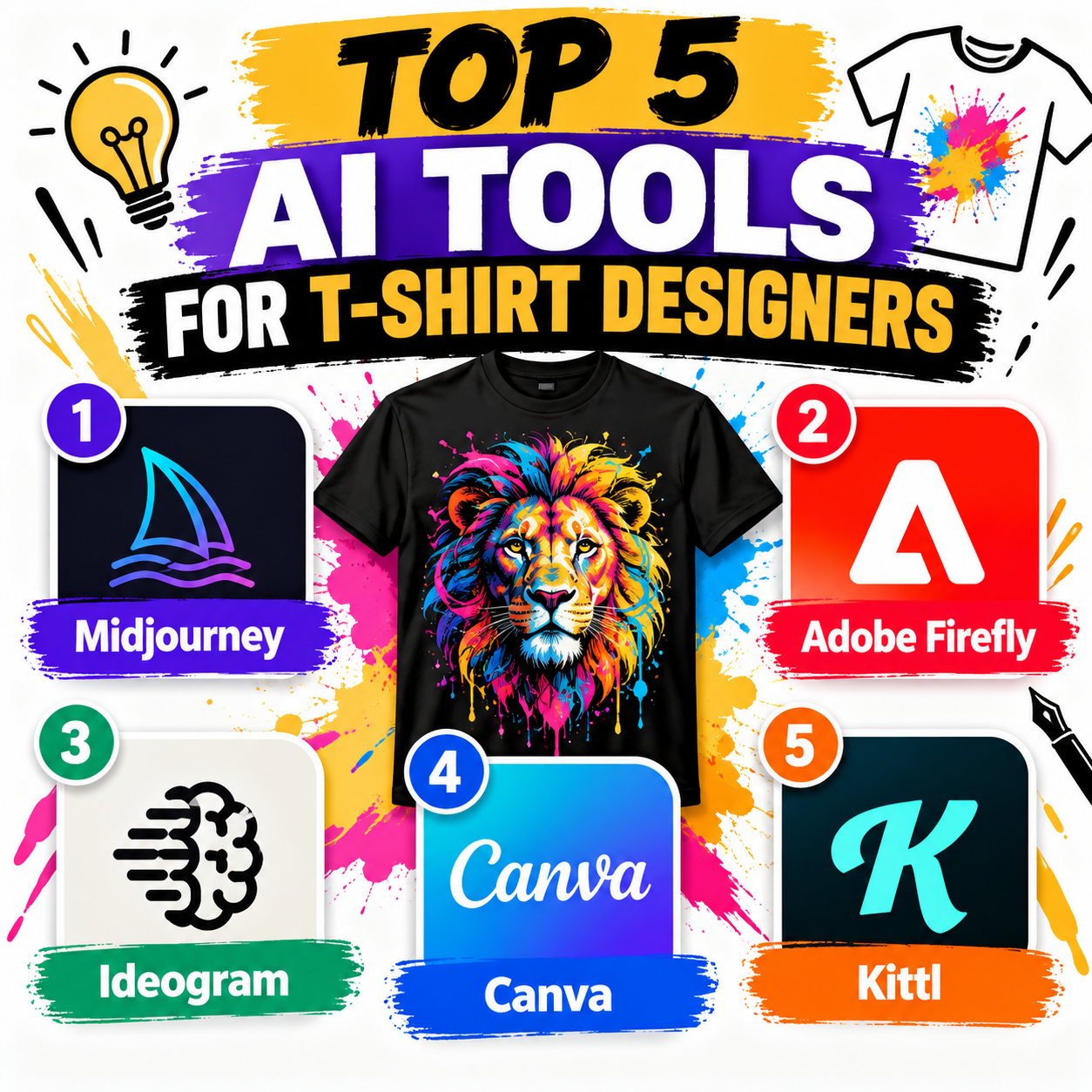
AI has made it much easier for t-shirt designers to turn ideas into finished artwork, explore different styles, and create designs without spending hours on manual editing. Whether you sell through print-on-demand platforms, run a clothing brand, or simply create custom apparel, the right AI tool can speed up your workflow significantly. Here are five useful AI tools for t-shirt designers.
1. Midjourney is one of the most popular AI image-generation tools for creating highly creative and visually distinctive artwork. Designers can describe an idea—such as a retro motorcycle graphic, futuristic typography concept, or vintage animal illustration—and generate multiple visual directions. Its biggest strength is artistic exploration. You can experiment with styles, compositions, colors, and moods before refining an idea for a shirt. However, generated artwork may require additional editing before it is production-ready, particularly when you need clean typography or precise layouts.
2. Adobe Firefly is particularly useful for designers who already work with Adobe’s creative ecosystem. It can generate images and design elements from text prompts, while Adobe’s broader tools can then be used to refine the result. For t-shirt designers, Firefly can help generate backgrounds, illustrations, textures, and creative concepts. The ability to combine AI generation with conventional design tools makes it useful when you want more control over the final composition rather than relying entirely on an AI-generated image.
3. Ideogram is especially interesting for t-shirt designers because it has a strong focus on generating images containing text. AI image generators have historically struggled with spelling and typography, but Ideogram has become well known for handling text-based designs more effectively. This makes it useful for creating slogan shirts, motivational designs, humorous graphics, and typography-focused concepts. Designers can quickly generate several variations of a phrase and then select one as a starting point for further editing.
4. Canva combines AI-powered design features with an easy-to-use drag-and-drop editor. It is a practical option for beginners who want to create t-shirt designs without learning professional graphic-design software. You can use AI to generate visual elements and then combine them with fonts, shapes, illustrations, and other assets. Canva is also convenient for preparing marketing materials, such as product mockups and social-media graphics, alongside the actual shirt design.
5. Kittl is built with graphic designers and merchandise creators in mind. It provides AI image-generation features alongside typography, vector-style graphics, templates, and apparel-focused design tools. Its typography and layout capabilities make it particularly useful for vintage, retro, badge, streetwear, and slogan-based t-shirt designs. Instead of generating an image and moving immediately into another application, designers can develop more of the final composition within the same platform.
Which Tool Should You Choose?
The best option depends on your workflow. Midjourney is strong for artistic concepts, Adobe Firefly works well for designers who want an integrated professional workflow, and Ideogram is particularly useful for text-heavy designs. Canva is beginner-friendly and versatile, while Kittl is well suited to merchandise-focused design.
Leave a Reply