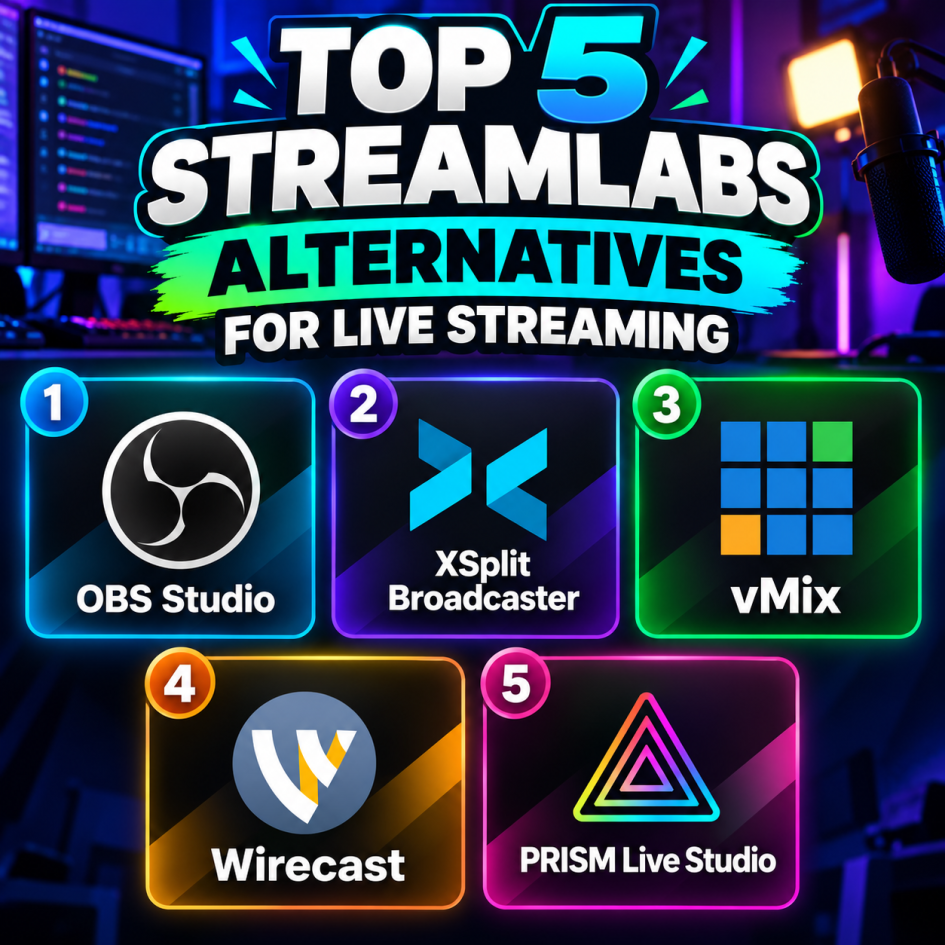
Streamlabs is a popular live-streaming platform, but other tools offer different levels of customisation, production control, and multistreaming features. Here are five alternatives worth considering for gaming, content creation, and professional broadcasts.
1. OBS Studio is free, open-source streaming software that lets you customise scenes, audio, transitions, and video sources. It supports Windows, macOS, and Linux, making it a flexible option for streamers who want extensive control over their broadcasts.
2.XSplit Broadcaster offers a user-friendly interface for managing scenes, capturing gameplay, and producing live broadcasts. It includes recording and production features, with additional capabilities available through paid plans.
3.vMix is live-production software that supports multiple cameras, video inputs, graphics, and real-time switching. It also provides advanced broadcast features, including instant replay and remote guest integration, for more complex productions.
4.Wirecast is a live-streaming and video-production platform available for Windows and macOS. It supports multiple video sources, professional graphics, recording, and multistreaming workflows for creators and production teams.
5.PRISM Live Studio provides live-streaming tools with visual effects, overlays, and customisable scenes for creating engaging broadcasts. It supports desktop streaming and mobile content creation, with additional features available through its paid offerings.
Conclusion:
These five alternatives offer different approaches to live streaming, from OBS Studio’s open-source flexibility to vMix and Wirecast’s advanced production capabilities. Compare their system requirements, available features, and pricing to find the software that fits your streaming setup.