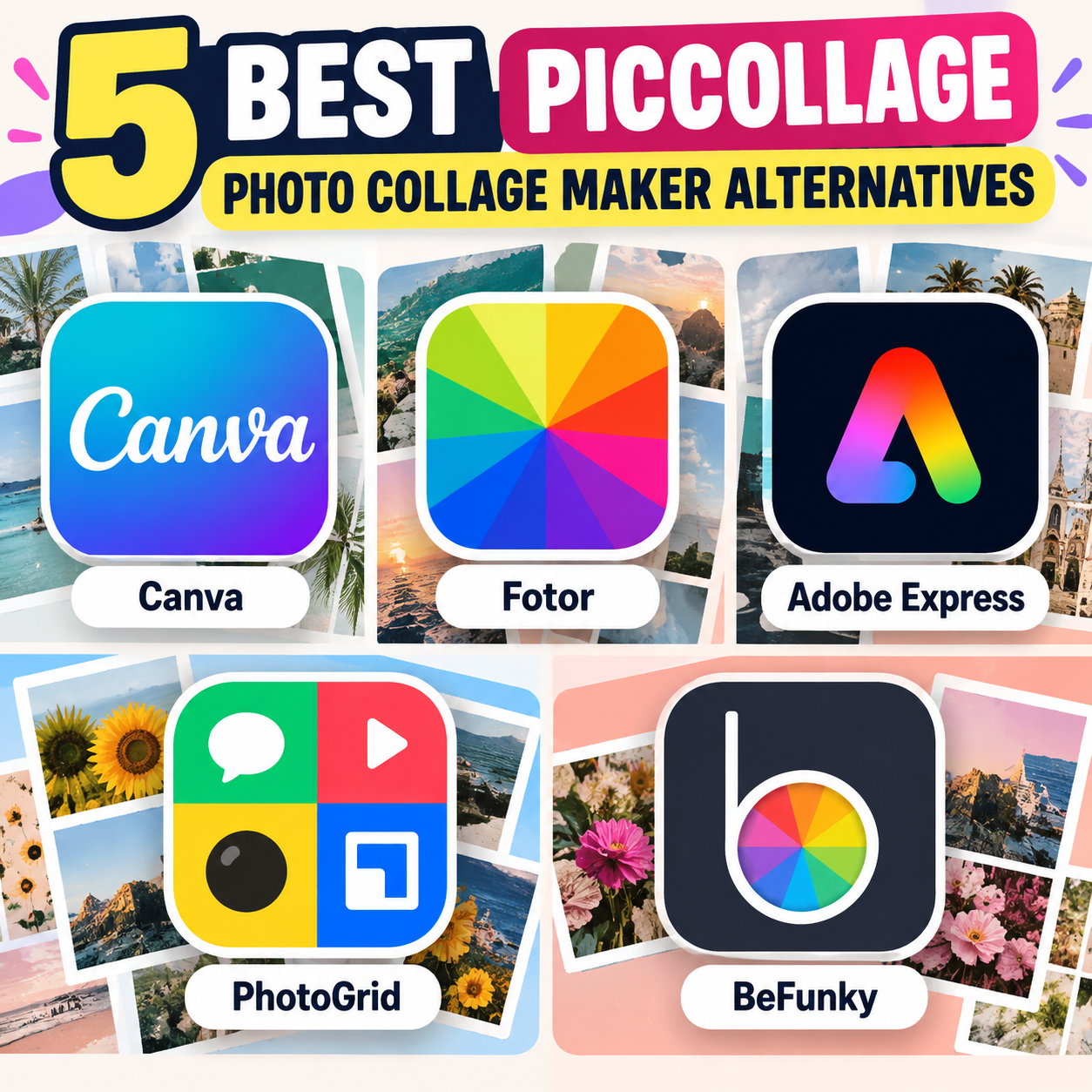
If you enjoy making photo collages but want something different from PicCollage, there are several strong alternatives available in 2026. The best option depends on whether you prioritize creative templates, professional design tools, quick mobile editing, or simple photo grids. Here are five worth considering.
1. Canva
Canva is one of the most versatile alternatives to PicCollage. It offers a large collection of ready-made collage templates, allowing you to combine photos with text, graphics, stickers, frames, and backgrounds. Its drag-and-drop editor makes it approachable for beginners, while more advanced users can create completely custom layouts.
Canva is particularly useful if you want to turn a collage into something more substantial, such as an Instagram post, invitation, poster, presentation, or printable photo project. Recent comparisons highlight its extensive template library and flexible design ecosystem.
2. Fotor
Fotor is a good choice if your main goal is creating attractive photo collages rather than designing a broader graphic. It provides grid layouts, creative templates, borders, spacing controls, backgrounds, filters, and photo-enhancement tools.
Its combination of collage creation and photo editing means you can adjust your pictures without switching between different applications. Fotor is especially suitable for users who want polished-looking grids with relatively little effort.
3. Adobe Express
Adobe Express offers collage templates alongside a wider collection of design and photo-editing features. You can combine multiple images with typography, graphics, logos, and backgrounds, making it particularly useful for social-media content and branded designs.
Compared with a dedicated collage app, Adobe Express gives you greater flexibility to reuse the finished design in different formats. It is therefore a useful option if your collages are part of a larger content-creation workflow.
4. PhotoGrid
PhotoGrid is particularly well suited to mobile users who want to create collages quickly. It supports traditional grids as well as more creative layouts, stickers, text, filters, and social-media-oriented designs. Its recent AI collage tools can also help arrange uploaded photos into layouts automatically.
If you primarily create collages on your smartphone and want a fast workflow, PhotoGrid is worth exploring.
5. BeFunky
BeFunky focuses on straightforward online photo editing and collage creation. Its collage maker provides grid layouts, shaped templates, social-media formats, and drag-and-drop editing. One advantage is that you can get into the collage editor quickly without dealing with a complicated design interface.
It is a practical choice for users who want to make a collage quickly rather than learn a comprehensive graphic-design platform.
Final Thoughts
The right PicCollage alternative depends on your needs. Canva is a flexible choice for templates and broader graphic design, Fotor focuses strongly on photo collages and enhancement, Adobe Express works well for polished branded content, PhotoGrid is convenient for mobile-first creation, and BeFunky provides a simple browser-based workflow. Features and free-plan limitations can change, so check each service’s current offering before choosing one.