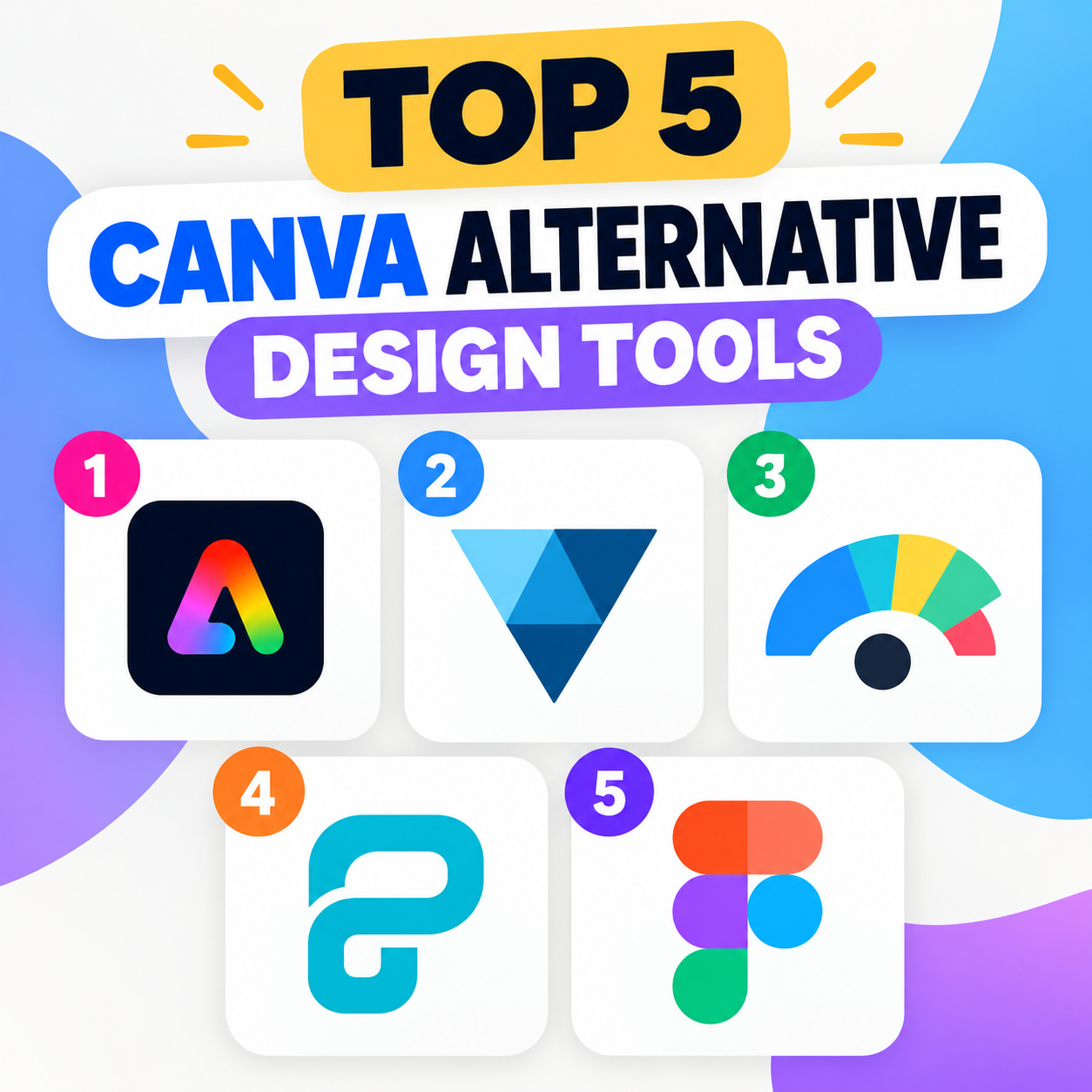
Canva is popular because it combines templates, drag-and-drop editing, stock assets, and collaboration in one place. But depending on your needs, several alternatives offer different strengths in areas such as presentation design, branding, photo editing, and professional graphics.
1. Adobe Express is one of the closest Canva alternatives, particularly for users who want an easy design tool backed by Adobe’s creative ecosystem. It offers templates for social media posts, flyers, videos, presentations, and marketing materials. Integration with Adobe Fonts, Photoshop, and other Adobe services can be useful if you already work with Adobe products. Best for: Marketing teams and creators who want simple design tools with Adobe integration.
2. VistaCreate is designed around the same general concept as Canva: choose a template, customize it, and publish your design. It has a large collection of templates and formats for social media, advertising, presentations, and print. Its animation and content-creation features also make it useful for social-media-focused workflows. Best for: Social media creators and small businesses looking for a straightforward Canva-style editor.
3. Visme focuses more heavily on presentations, infographics, reports, charts, and business communications. It provides tools for turning data into visual content rather than concentrating primarily on social-media graphics. Interactive elements can also make it useful for presentations and online content. Best for: Businesses, educators, and professionals creating data-rich presentations and infographics.
4. Piktochart specializes in visual communication, particularly infographics, reports, presentations, and data visualization. Its templates can help users turn research or business information into visually structured content without requiring advanced graphic-design skills. Compared with Canva, Piktochart is more narrowly focused, but that specialization can be valuable when the main objective is communicating information clearly. Best for: Reports, infographics, educational materials, and data-driven communication.
5. Figma is substantially more professional and design-oriented than Canva. It is primarily a collaborative interface and product-design platform, but it can also be used for presentations, social graphics, prototypes, diagrams, and other visual work. Its collaborative editing, component system, and detailed design controls make it particularly useful for teams and professional designers. However, it has a steeper learning curve than Canva. Best for: UI/UX designers, product teams, and collaborative professional design.
Which Canva alternative should you choose?
The right option depends on what you create most often. Adobe Express is a natural choice if you want Canva-like simplicity with Adobe’s ecosystem. VistaCreate is well suited to social-media content, while Visme and Piktochart are particularly useful for presentations, reports, and infographics. Figma is the stronger option when you need sophisticated design controls and real-time collaboration.