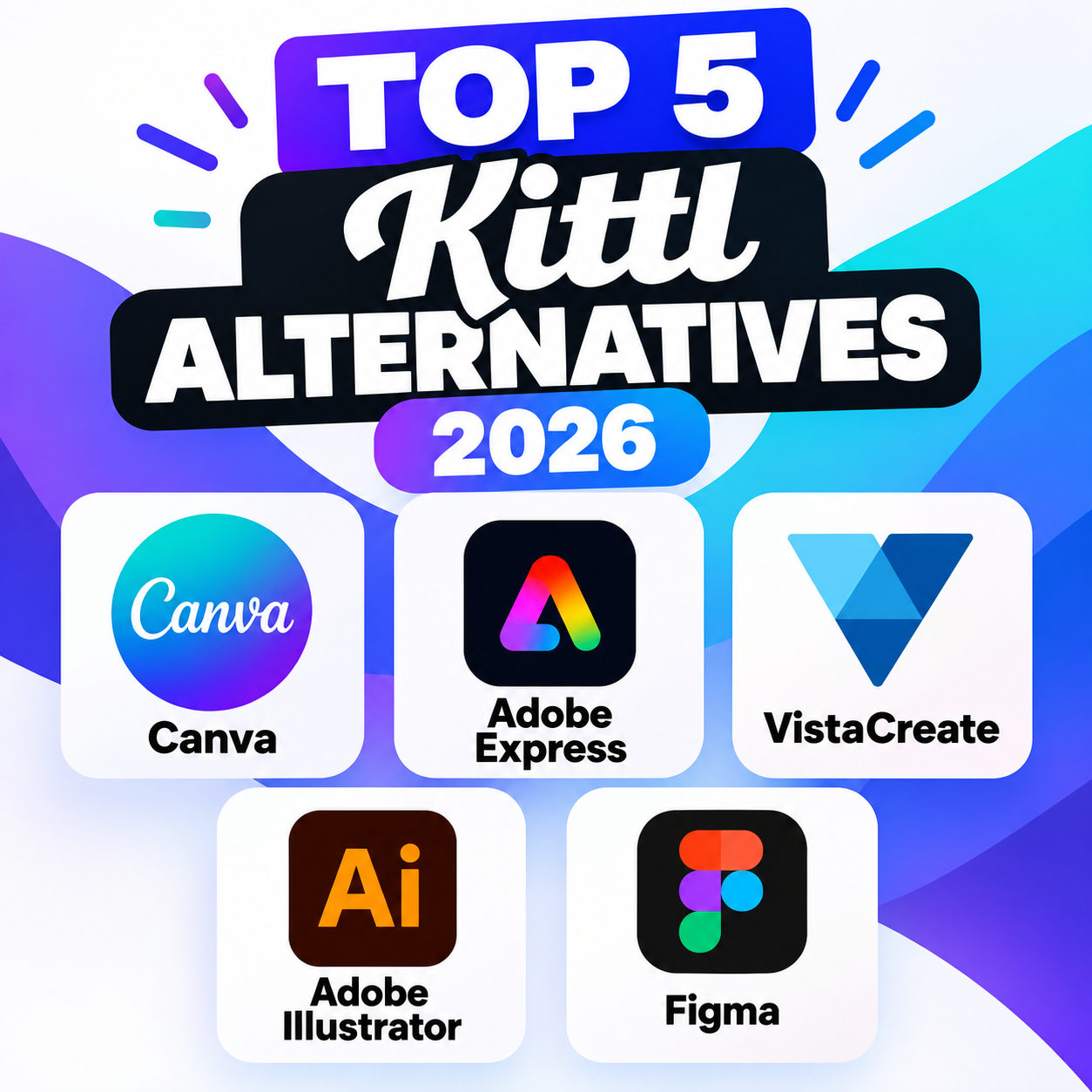
Kittl has become a popular choice for creating logos, apparel designs, posters, social media graphics, and other visual content. However, its features, pricing, and workflow may not suit every designer. If you’re looking for a Kittl alternative, here are five platforms worth considering.
1. Canva is one of the most accessible alternatives to Kittl, particularly for beginners, marketers, and small businesses. It offers thousands of templates for social media posts, presentations, flyers, logos, advertisements, and more. Its drag-and-drop editor is easy to learn, while features such as AI-powered design tools and background removal make creating professional-looking graphics faster. Best for: Beginners, marketing teams, social media content, and general-purpose graphic design.
2. Adobe Express combines simplified graphic design with Adobe’s broader creative ecosystem. Users can create social posts, flyers, videos, presentations, logos, and promotional materials using templates and an intuitive editor. Integration with Adobe Fonts, stock assets, and other Adobe services is particularly useful for people who already use Creative Cloud. Best for: Creators who want an easy editor with access to Adobe’s wider ecosystem.
3. VistaCreate is designed for producing marketing and social media graphics quickly. It provides templates, stock images, animations, videos, and branding tools, making it useful for entrepreneurs and content creators who need to produce visual content regularly. Its interface is relatively straightforward and requires little professional design experience. Best for: Social media managers, entrepreneurs, and small businesses.
4. Adobe Illustrator For designers who want significantly more control than a template-based platform provides, Adobe Illustrator is a powerful alternative. It is a professional vector-design application suited to logos, typography, illustrations, packaging, icons, and print projects. The learning curve is considerably steeper than Kittl’s, but Illustrator provides extensive control over paths, shapes, typography, colors, and layouts. Best for: Professional graphic designers, illustrators, and advanced branding projects.
5. Figma is best known for interface and product design, but its flexible vector tools can also handle many graphic-design tasks. Its browser-based collaboration makes it especially useful for teams working together on designs, prototypes, and brand assets. Figma also has a large community library containing templates, plugins, and resources. Best for: Collaborative design teams, UI/UX designers, and businesses creating digital products.
Which Kittl Alternative Should You Choose?
The right option depends on what you want to create. Canva is a strong all-purpose choice for beginners and marketers, while Adobe Express suits users who want simplified access to Adobe’s ecosystem. VistaCreate is particularly focused on fast content creation. For professional vector work, Adobe Illustrator offers much deeper control, while Figma is especially useful when collaboration and digital-product design are priorities.
Ultimately, Kittl alternatives range from simple template-based tools to professional design software. Choosing between them comes down to your experience level, preferred workflow, collaboration needs, and the type of graphics you create most often.