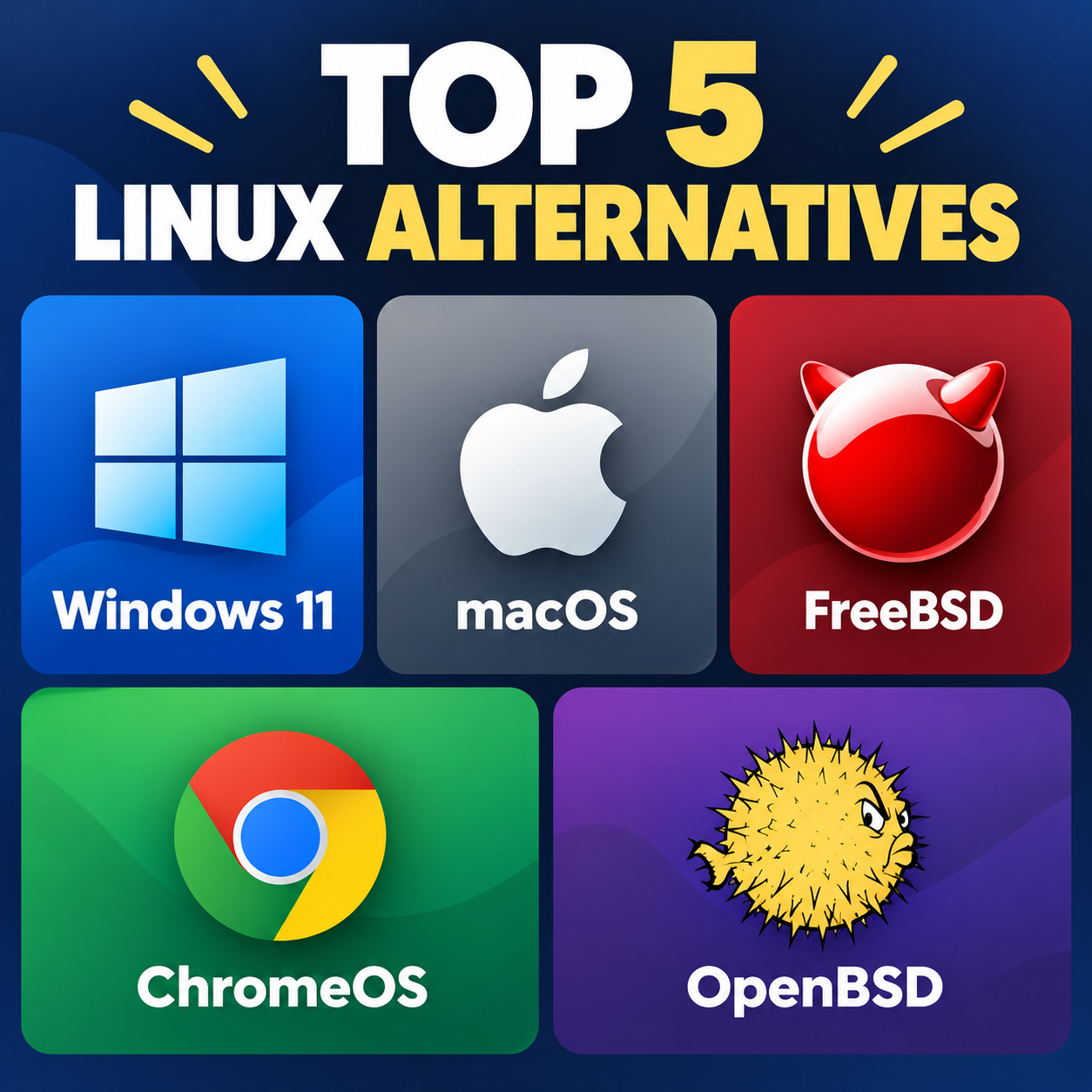
Linux is one of the most popular operating systems for users who want flexibility, customization, and control. However, there are several alternatives that offer different features, software compatibility, and user experiences. Here are five leading alternatives to Linux.
1. Windows 11 is the most widely used alternative to Linux for desktop and laptop computers. Developed by Microsoft, it provides extensive compatibility with commercial software, games, professional applications, and hardware. It is particularly strong for PC gaming because of broad developer support and technologies such as DirectX. Windows 11 is also relatively easy for beginners to use, with extensive manufacturer and technical support. However, it generally provides users with less control over the operating system than Linux and has higher hardware requirements.
2. macOS is Apple’s desktop operating system and is available exclusively on Mac computers. Based on Unix technologies, it combines a command-line environment familiar to many developers with a polished graphical interface. macOS is popular among creative professionals, developers, and users who already own Apple devices. Its integration with iPhones, iPads, and other Apple products is a major advantage. On the other hand, Mac hardware can be expensive, and users have fewer choices when it comes to hardware upgrades and customization.
3. FreeBSD is a Unix-like operating system that shares some characteristics with Linux but has a different development model and system architecture. It is well known for its networking capabilities, documentation, performance, and security features. FreeBSD can also be used as a desktop operating system with environments such as KDE Plasma and GNOME. However, desktop hardware and application compatibility can require more technical knowledge than mainstream Linux distributions. It is particularly attractive to experienced users, developers, and server administrators.
4. ChromeOS, developed by Google, focuses primarily on cloud computing and web applications. It is commonly found on Chromebooks and is designed to be simple, lightweight, and easy to maintain. Modern ChromeOS devices can support Android applications and, on compatible hardware, Linux applications. This makes ChromeOS useful for students, casual users, and people who primarily work online. Its biggest limitation is that some specialized desktop applications are unavailable or less capable than their Windows or macOS equivalents.
5. OpenBSD is a Unix-like operating system known for its strong emphasis on security, code correctness, and careful system design. It is commonly used for networking, security-focused applications, and systems administration. Although OpenBSD can be configured as a desktop operating system, it generally requires more technical knowledge and has narrower hardware and software compatibility than Windows or macOS. It is therefore particularly interesting for experienced Unix users and people interested in operating-system security.
Overall, the best alternative depends on what you need from an operating system. Windows is particularly versatile for mainstream software and gaming, macOS emphasizes integration and creative workflows, while FreeBSD and OpenBSD offer Unix-based environments for more technically oriented users. ChromeOS focuses on simplicity and web-based computing.