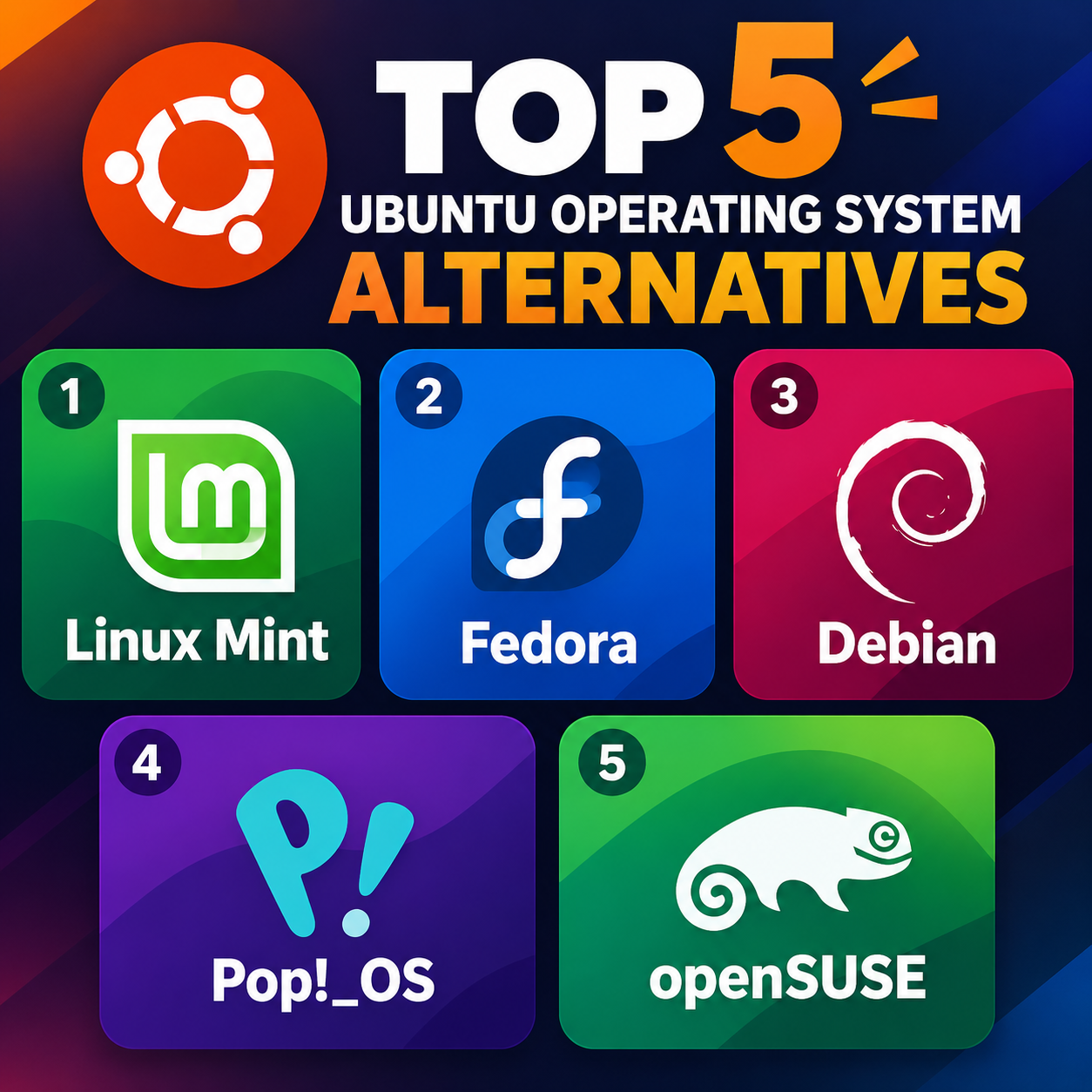
Top 5 Ubuntu Alternatives If you want to move away from Ubuntu, there are several excellent Linux distributions to consider. The best choice depends on your experience level, preferred desktop environment, software availability, and how frequently you want to receive updates.
1. Linux Mint is one of the most popular alternatives to Ubuntu, particularly for beginners and people moving from Windows. It uses the Cinnamon desktop by default, which provides a traditional layout with a taskbar, application menu, and system tray. Mint is based on Ubuntu LTS and focuses on providing a familiar and straightforward desktop experience. It is suitable for everyday tasks such as browsing, office work, media consumption, and programming.
2. Fedora Workstation is a good choice for users who want a modern Linux environment with relatively recent software. It normally uses the GNOME desktop and is closely connected to the upstream Linux ecosystem. Fedora is widely used by developers and Linux enthusiasts and often introduces newer technologies before they appear in more conservative distributions. It also provides strong support for programming, containers, virtualization, and modern hardware.
3. Debian is one of the oldest and most influential Linux distributions. It is known for its emphasis on stability and extensive software repositories. Debian 13, known as “Trixie,” is suitable for desktops, laptops, servers, and development systems. Users can choose from several desktop environments, including GNOME, KDE Plasma, Cinnamon, Xfce, and LXQt. Many other Linux distributions, including Ubuntu, have historically been based on Debian.
4. Pop!_OS is developed by System76 and is designed for desktop computers, developers, and creative users. Its newer releases use the COSMIC desktop environment, which provides features such as tiling windows, workspaces, and keyboard-focused navigation. Pop!_OS is also particularly notable for its hardware support, including dedicated installation options for NVIDIA graphics systems.
5. openSUSE provides two main approaches: Leap, which follows a more conservative release model, and Tumbleweed, which is a rolling-release distribution. It includes powerful system-management tools and supports desktop environments such as KDE Plasma and GNOME. Tumbleweed is aimed at users who want continuously updated software, while Leap is more appropriate for people who prefer a predictable release cycle.
Linux Mint offers a familiar environment, Fedora provides modern software, Debian focuses on stability, Pop!_OS emphasizes productivity and hardware support, while openSUSE offers flexibility through its different release models. These distributions give users several alternatives depending on their requirements and level of Linux experience.