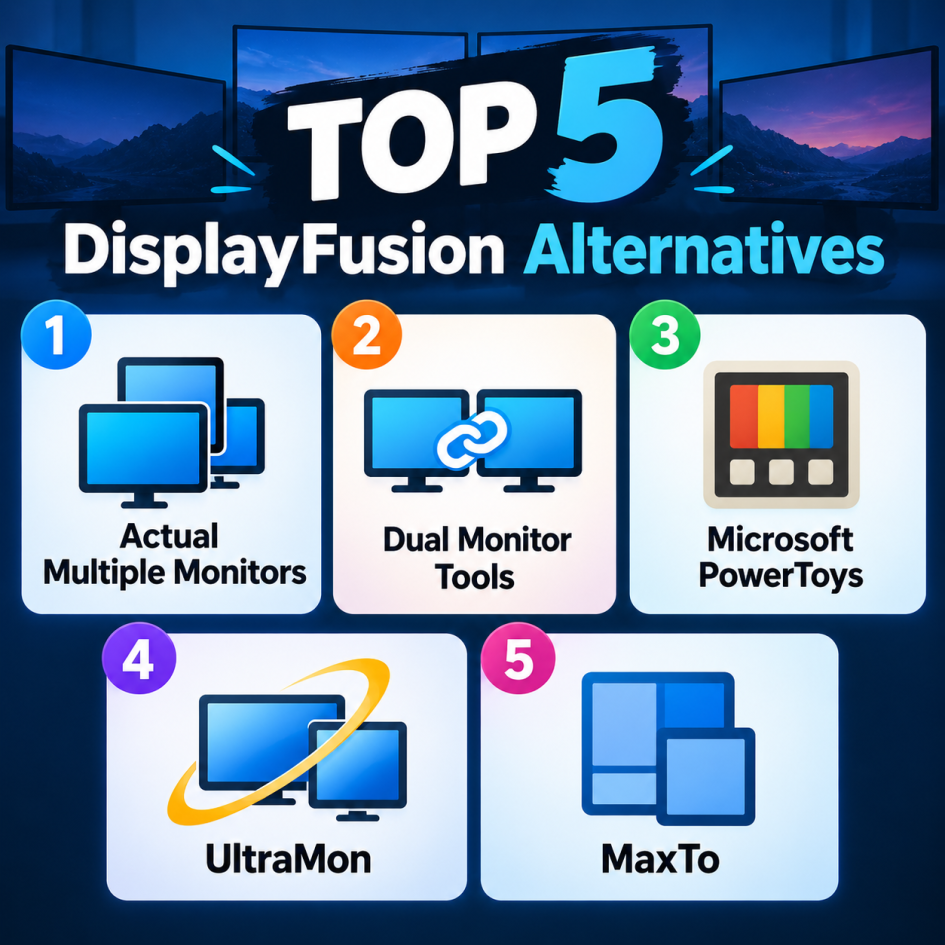
DisplayFusion is a popular Windows utility for managing multiple monitors, offering features such as multi-monitor taskbars, customizable wallpapers, window management, and keyboard shortcuts. However, depending on your needs, there are several strong alternatives worth considering.
1. Actual Multiple Monitors is one of the closest alternatives to DisplayFusion. It provides multi-monitor taskbars, window management, desktop customization, screen savers, and hotkeys. Its extensive configuration options make it particularly useful for power users who want precise control over how windows and applications behave across several displays. It is a strong choice for productivity-focused multi-monitor setups.
2. Dual Monitor Tools is a free, open-source collection of utilities designed specifically for multi-monitor Windows environments. It includes tools for moving windows between screens, controlling wallpapers, launching applications on specific displays, and managing monitor behavior. Although its interface is less polished than DisplayFusion, its zero-cost model makes it attractive to users who primarily need essential multi-monitor functionality.
3. PowerToys Microsoft is a broader Windows customization toolkit rather than a dedicated multi-monitor application. Its FancyZones feature is especially useful for creating custom window layouts and automatically organizing applications across displays. Other PowerToys utilities add keyboard shortcuts, window management, and workflow enhancements. If you want a free tool maintained by Microsoft, PowerToys is an excellent option.
4. UltraMon is a long-standing Windows multi-monitor utility designed to make working with multiple displays easier. It provides features such as additional taskbars, customizable window controls, monitor-specific wallpapers, screen savers, and shortcuts for moving applications between displays. Its focus on multi-monitor management makes it a particularly relevant alternative to DisplayFusion for users who want a dedicated solution rather than a general Windows customization toolkit.
5. MaxTo takes a simpler approach to multi-monitor productivity. Rather than attempting to replicate every DisplayFusion feature, it focuses heavily on dividing screens into customizable regions and automatically placing windows within those areas. This makes it useful for users who frequently work with multiple applications side by side and want a clean, predictable layout without extensive configuration.
For most users, Actual Multiple Monitors is the strongest DisplayFusion alternative if you want a dedicated, feature-rich multi-monitor tool.