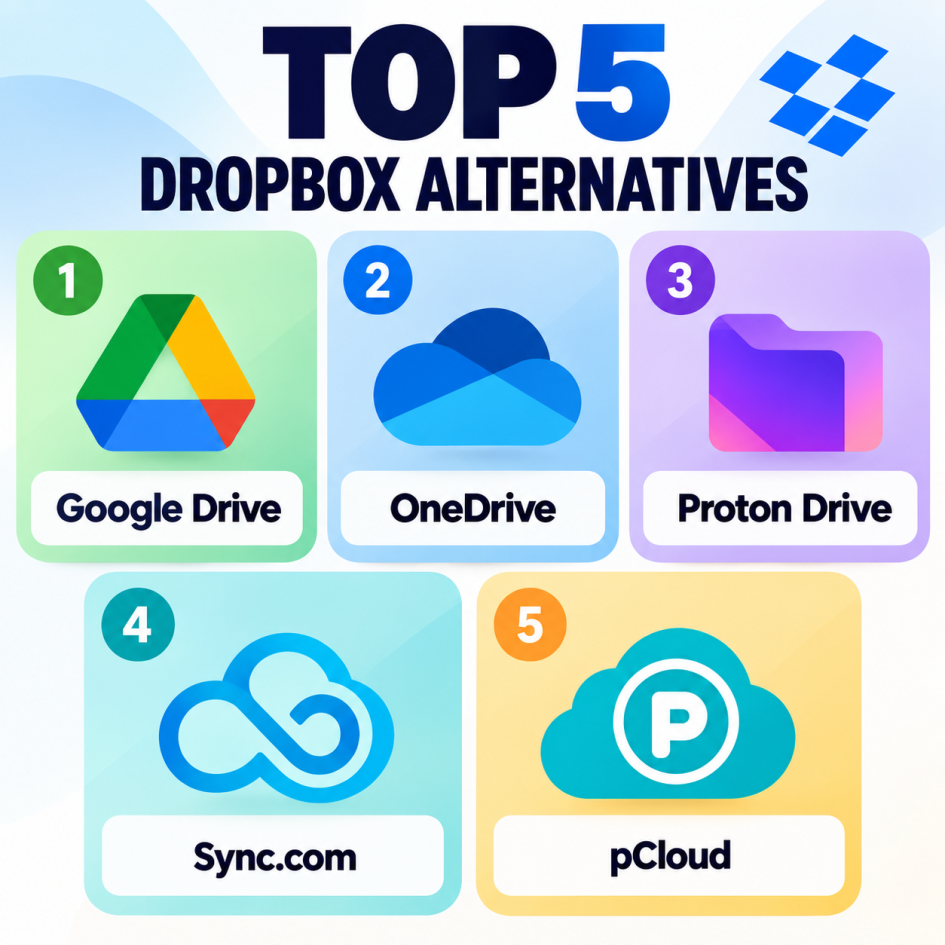
If you’re looking for a Dropbox alternative, the best choice depends on whether you prioritize price, collaboration, privacy, or integration with other productivity tools. Here are five strong options:
1. Google Drive is arguably the strongest all-around Dropbox alternative. It integrates seamlessly with Google Docs, Sheets, Slides, Gmail, and Google Workspace, making it particularly useful for teams already using Google’s ecosystem. The interface is straightforward, file sharing is easy, and collaboration happens in real time. Its free plan includes 15 GB of storage, although that space is shared across Google services. Paid Google One and Workspace plans provide substantially more storage. Drive is an excellent choice for students, businesses, and anyone who wants cloud storage combined with powerful online productivity tools.
2. OneDrive is the natural choice if you use Windows or Microsoft 365. It integrates tightly with Windows File Explorer and applications such as Word, Excel, and PowerPoint. OneDrive makes synchronizing files between computers particularly convenient, while Microsoft 365 subscriptions bundle substantial OneDrive storage with Office applications. Its collaboration features are also strong, especially for organizations already using Microsoft Teams and SharePoint.
3. Proton Drive is a secure cloud-storage service from Proton, the company behind Proton Mail and Proton VPN. It puts privacy and encryption at the center of its design, making it a compelling alternative to Dropbox for users who want greater control over their files.
4. Sync is worth considering if privacy is your top priority. It emphasizes secure storage, private file sharing, and end-to-end encryption features. The service also supports file synchronization and collaboration without trying to replicate a complete productivity suite. Sync.com is particularly appealing to individuals and businesses that want cloud storage while keeping a stronger focus on data privacy.
5. pCloud stands out for its flexible storage options and user-friendly interface. It supports automatic synchronization, file sharing, media playback, and access across multiple devices. One distinctive feature is its lifetime storage plans, which can appeal to people who prefer paying once rather than maintaining a recurring subscription.
Bottom line
For most people, Google Drive is the best Dropbox replacement because of its combination of storage, collaboration, and productivity tools. Choose OneDrive if you live in the Microsoft ecosystem, Box for business-focused document management, Sync.com for privacy, and pCloud if flexible or lifetime storage appeals to you.