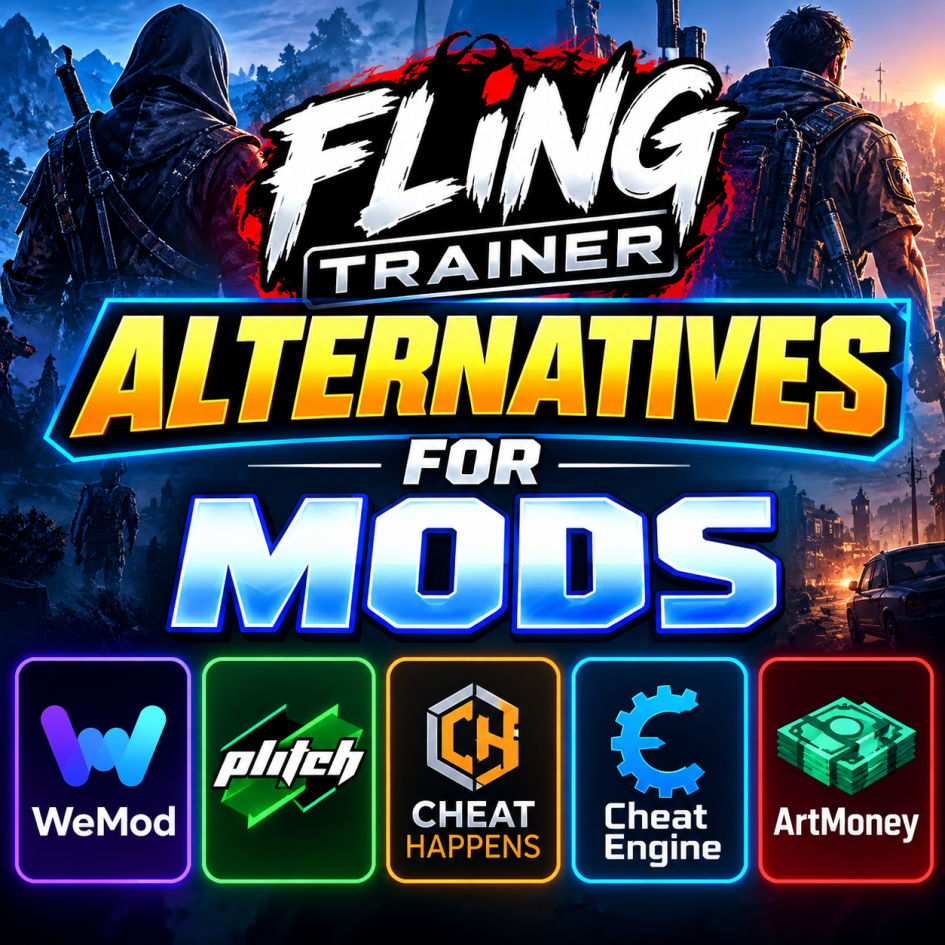
There are several strong alternatives. FLiNG is mainly known for free, version-specific trainers for single-player PC games, so the best replacement depends on whether you prioritize ease of use, game coverage, overlays, or advanced memory editing. Tech Yorker Best FLiNG Trainer alternatives
1. WeMod — Best overall for simplicity WeMod is probably the closest mainstream alternative. It provides trainers for a large library of Windows games and focuses heavily on ease of use. Its in-game overlay makes it convenient to activate options while playing, rather than repeatedly switching between the game and a separate trainer. It also supports automatic game detection and updates. For someone who simply wants to launch a game and enable cheats without much configuration, WeMod is an excellent choice. iTechGuides
2. PLITCH — Best polished alternative PLITCH offers a more polished trainer platform with an in-game overlay, automatic updates, and support across multiple devices/platforms. It has a free tier, while additional functionality is available through paid access. It is particularly appealing if you prefer a centralized application instead of downloading individual trainer executables for each game. iTechGuides
3. Cheat Happens has a mature trainer ecosystem through its Aurora platform. Compared with FLiNG’s straightforward standalone approach, Aurora provides additional features such as overlays, offline functionality, automatic updates, and mobile-control options. It’s worth considering if you want something more feature-rich than FLiNG rather than simply another trainer repository. iTechGuides
4. Cheat Engine — Best for advanced users Cheat Engine takes a different approach. Rather than primarily providing ready-made trainers, it lets users inspect and modify game memory themselves. This makes it considerably more flexible but also more complicated. If you enjoy experimenting and want control beyond predefined cheats, Cheat Engine is one of the strongest options.
5. ArtMoney — Best lightweight memory editor ArtMoney is another traditional memory-editing tool. It can be useful when you want to modify particular numerical values in a game rather than use a predefined trainer. Its interface and workflow are more old-school than WeMod or PLITCH, but that simplicity can appeal to experienced users.
My recommendation: Start with WeMod if you want the easiest FLiNG replacement. Choose PLITCH if you want a polished alternative with a broader platform-oriented ecosystem, or Cheat Engine if you specifically want to create/customize your own modifications.