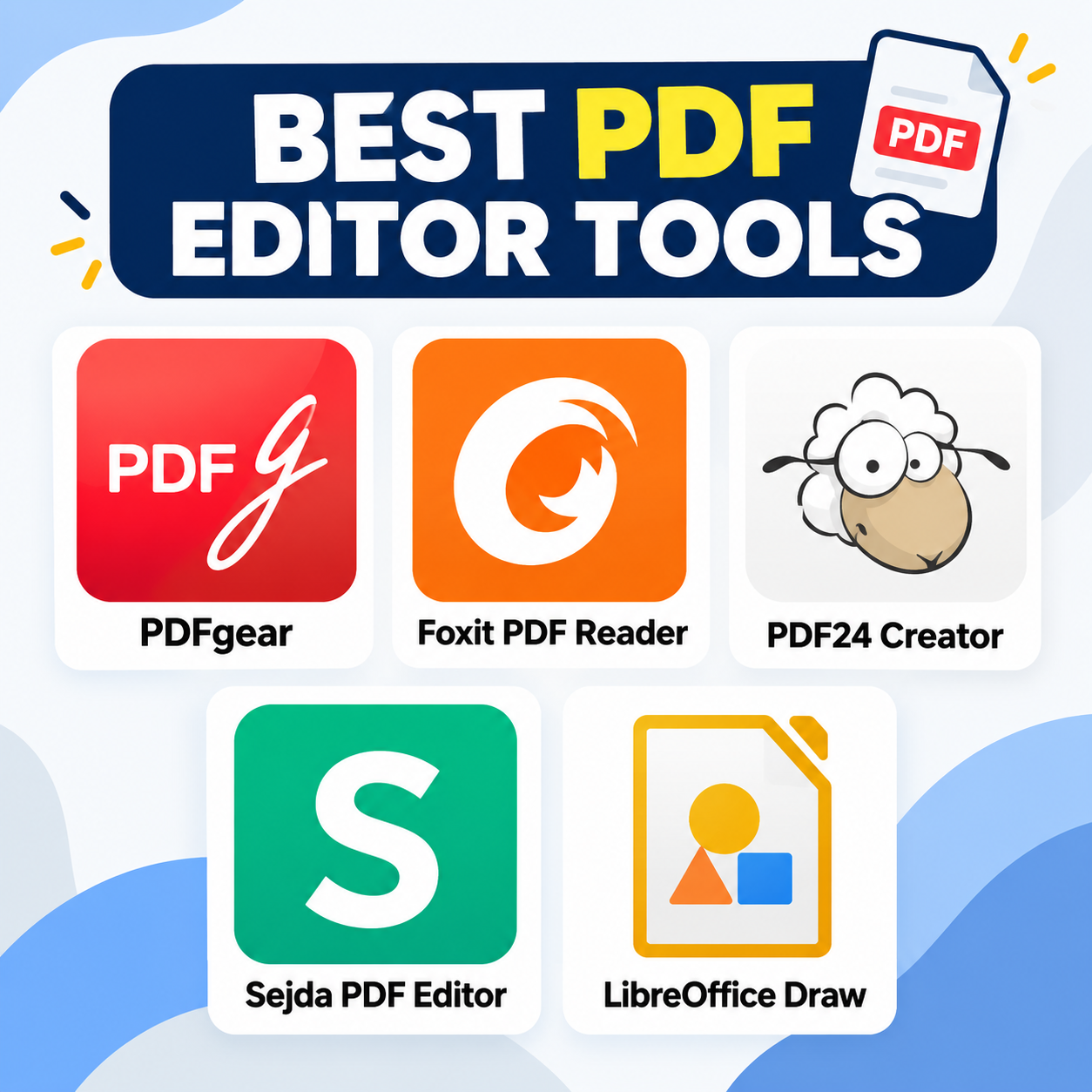
If you want to edit PDFs without paying for Adobe Acrobat, there are several capable free options. The important thing is to distinguish true PDF editing—changing existing text or images—from simpler tools that only annotate, sign, or rearrange pages. Top 5 Free PDF Editing Software
1. PDFgear is a strong choice for everyday PDF editing. It supports editing text and images, adding annotations, filling forms, signing documents, and managing pages. It is available across desktop, mobile, and web platforms. Its free offering is particularly attractive because it does not advertise the typical watermark or subscription restrictions found in many competitors. RottenWiFi Best for: Students, office users, and general PDF editing.
2. Foxit PDF Reader is a popular PDF application available for Windows, macOS, Linux, and mobile devices. Its free version focuses primarily on viewing, annotating, filling forms, and signing PDFs. Some advanced editing capabilities require a paid Foxit license, so it is better suited to users who mainly need to annotate and manage documents rather than extensively rewrite existing PDF content.
3. PDF24 Creator — Best completely free Windows toolkit PDF24 Creator is particularly useful if you want an offline PDF toolbox. It can merge, split, rotate, reorder, extract, and modify pages, as well as convert documents and images to PDF. PDF24 says the desktop software is completely free, with no usage restrictions, and files remain on your computer. PDF24 Tools Best for: Windows users who prioritize privacy and offline processing.
4. Sejda PDF Editor — Best for occasional online edits Sejda makes it easy to edit existing PDF text, add text and images, annotate, fill forms, and sign documents directly in a browser. Its free service has limits: documents can be up to 200 pages or 50 MB, with three tasks per hour. A desktop version is also available for offline editing. Sejda.com – We help with your PDF tasks Best for: Quick edits without installing software.
5. LibreOffice Draw — Best open-source alternative LibreOffice Draw can open and modify many PDF documents and is useful when you need to make straightforward changes without purchasing commercial software. It is particularly appealing to users already familiar with the LibreOffice ecosystem. However, PDF formatting can sometimes change when complex documents are imported and re-saved. Best for: Simple edits and users who prefer open-source software.
Choosing the right free PDF editor depends on what you need to do. PDFgear is a versatile option for everyday editing, while Foxit PDF Reader is well suited for viewing, annotating, and signing documents. PDF24 Creator is an excellent choice for Windows users who want a completely free, offline PDF toolkit, while Sejda PDF Editor is convenient for quick online edits. For those who prefer open-source software, LibreOffice Draw provides a useful alternative for basic PDF modifications.