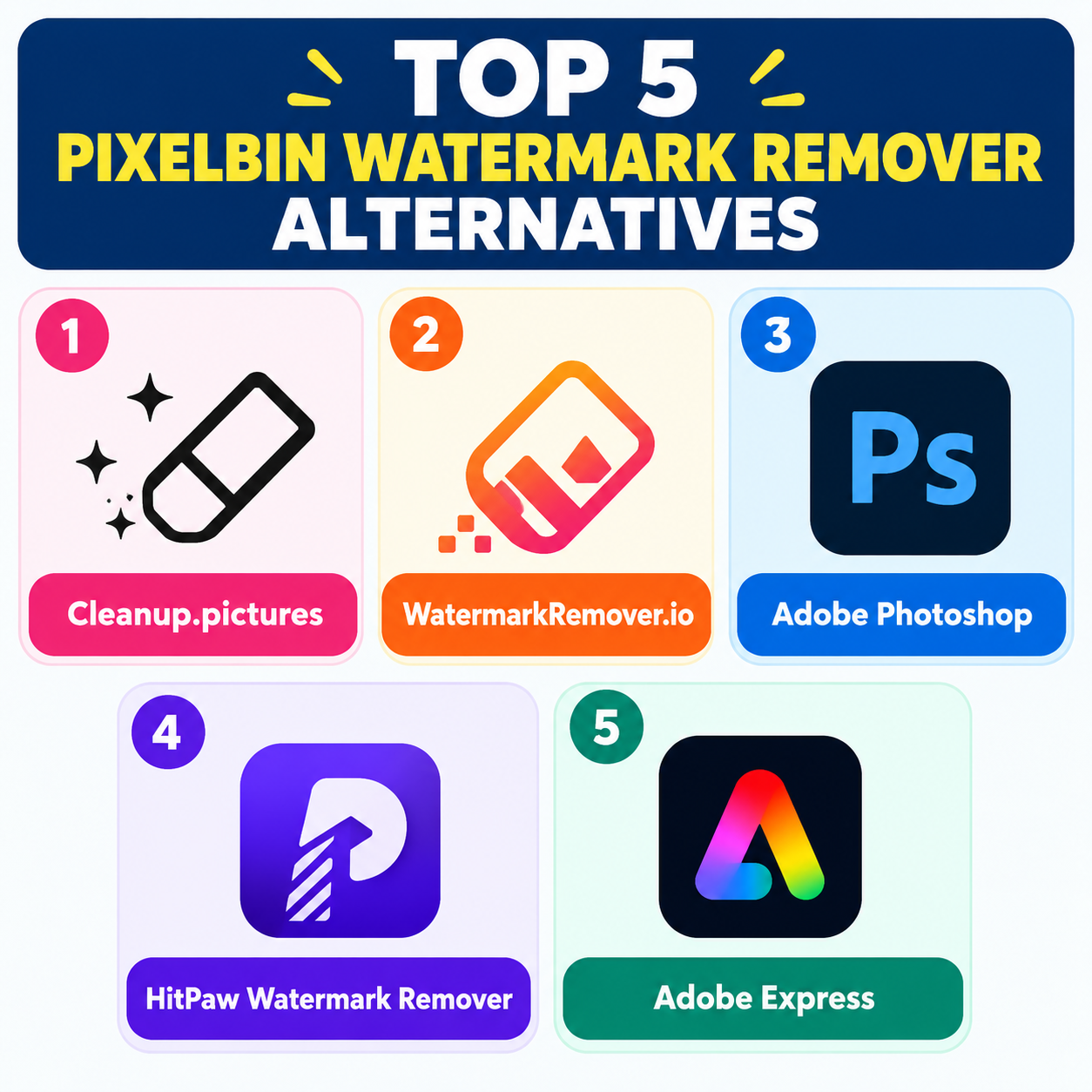
If you’re looking for PixelBin watermark remover alternatives, there are several strong options depending on whether you prioritize AI accuracy, manual control, batch processing, or ease of use. Here are five worth considering in 2026.
1. Cleanup.pictures is a browser-based AI image cleanup tool that can remove unwanted objects, text, logos, and watermarks. Its main advantage is the interactive brush, which lets you precisely select the area you want to erase rather than relying entirely on automatic detection. This can be useful when a watermark overlaps with complicated backgrounds, clothing, buildings, or other detailed areas. Recent comparisons highlight its manual control and broader object-removal capabilities.
2. WatermarkRemover.io is one of the closest alternatives to PixelBin if your primary requirement is quick, dedicated watermark removal. It focuses specifically on removing text and logos from images, with a straightforward upload-and-process workflow. PixelBin itself describes WatermarkRemover.io as a dedicated AI watermark-removal tool, and it supports common formats including JPG, PNG, WEBP, and HEIC.
3. Adobe Photoshop is a better choice if you need professional-level control rather than one-click automation. Photoshop provides tools such as Generative Fill, Healing, Clone Stamp, and Content-Aware Fill, allowing you to handle difficult watermarks manually and refine the result afterward. Independent testing has found Photoshop particularly effective on complicated watermarks covering detailed image areas.
4. HitPaw Watermark Remover is designed specifically for removing watermarks, logos, text, and other unwanted elements. It can be useful for users who want a dedicated desktop application rather than a browser-based editor. It also supports batch-oriented workflows, making it worth considering when you have many similar images to process.
5. Adobe Express is a simpler Adobe option for users who don’t need the full Photoshop interface. Along with removing unwanted elements, it provides broader quick-design and image-editing functionality, making it useful if watermark cleanup is only one part of your workflow. It can be especially convenient for social-media graphics and marketing assets.
Which alternative should you choose? For simple, fast watermark removal, WatermarkRemover.io is a natural PixelBin alternative. For manual precision, Cleanup.pictures is particularly useful. For professional editing and difficult images, Photoshop provides substantially more control. HitPaw is worth considering for dedicated and batch workflows, while Adobe Express fits users who want quick editing plus broader design features.