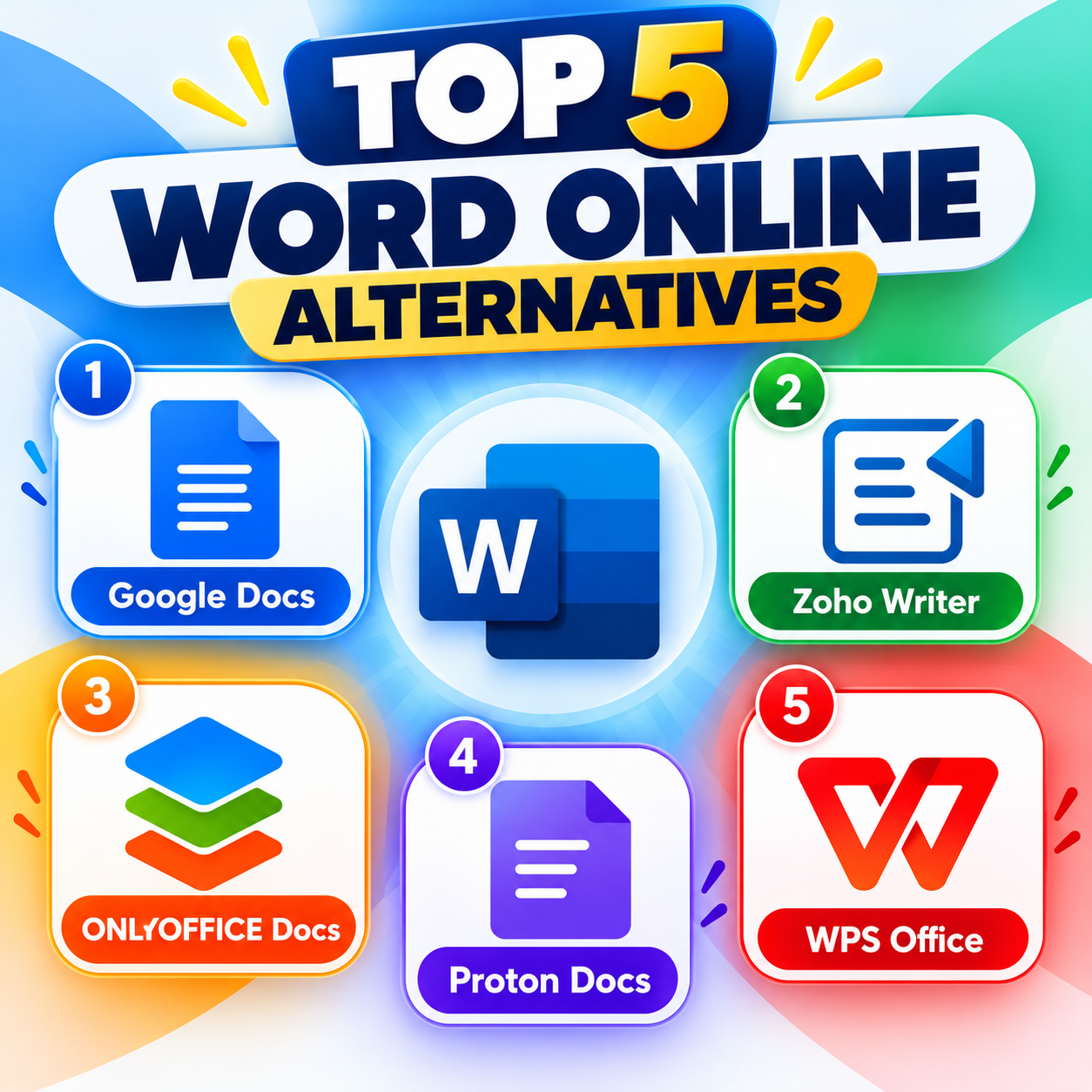
Microsoft Word Online is a popular choice for creating and editing documents in a web browser, but it is not the only option available. Several alternatives provide useful features such as real-time collaboration, cloud storage, document sharing, templates, and compatibility with Microsoft Word files. Depending on your needs, one of these services may be a better fit.
1. Google Docs is one of the most popular free alternatives to Word Online. It is entirely browser-based and works across computers, tablets, and smartphones. Users can create, edit, and share documents easily, while multiple people can work on the same document at the same time. It also includes comments, suggestions, version history, templates, and automatic saving. Google Docs is particularly useful for students, teachers, businesses, and teams that need to collaborate on documents. Since documents are stored in Google Drive, they can be accessed from almost anywhere with an internet connection.
2. Zoho Writer is a feature-rich online word processor with a clean and professional interface. It provides many standard word-processing tools, including formatting options, templates, document sharing, and collaboration features. One of its strengths is its integration with other Zoho applications, making it useful for businesses that already use the Zoho ecosystem. Zoho Writer also includes features such as mail merge and tools for managing professional documents. It can therefore be a good choice for users who need more than basic document editing.
3. ONLYOFFICE Docs focuses strongly on compatibility with Microsoft Office formats. It supports DOCX files and provides a familiar editing environment for people who regularly work with Word documents. Its interface and formatting tools are designed to make the transition from Microsoft Office relatively straightforward. ONLYOFFICE can be especially useful for professional users who frequently exchange documents with people using Microsoft Word and want to maintain formatting as accurately as possible.
4. Proton Docs is part of Proton’s privacy-focused ecosystem. It allows users to create and collaborate on documents online while placing a strong emphasis on security and privacy. This makes Proton Docs an appealing option for people who are particularly concerned about confidential or sensitive documents. Users already familiar with Proton’s other services may also appreciate having document creation and storage within the same ecosystem.
5. WPS Office Online provides browser-based document editing with support for Microsoft Office formats. It combines familiar office features with cloud storage and collaboration tools. For users who want an interface that feels similar to traditional desktop office software, WPS Office Online can be a convenient alternative. It is suitable for everyday tasks such as writing reports, editing documents, and working with Word-compatible files.
Each alternative has different strengths. Google Docs is a strong all-purpose choice for free online editing and real-time collaboration. ONLYOFFICE Docs is worth considering when Microsoft Word compatibility is a major priority. Zoho Writer provides a broader range of professional document-management features, while Proton Docs is particularly suited to users who prioritize privacy. WPS Office Online offers another familiar option for working with Microsoft Office-compatible documents in a browser. Overall, the best alternative depends on whether your main priority is collaboration, compatibility, professional features, privacy, or ease of use.