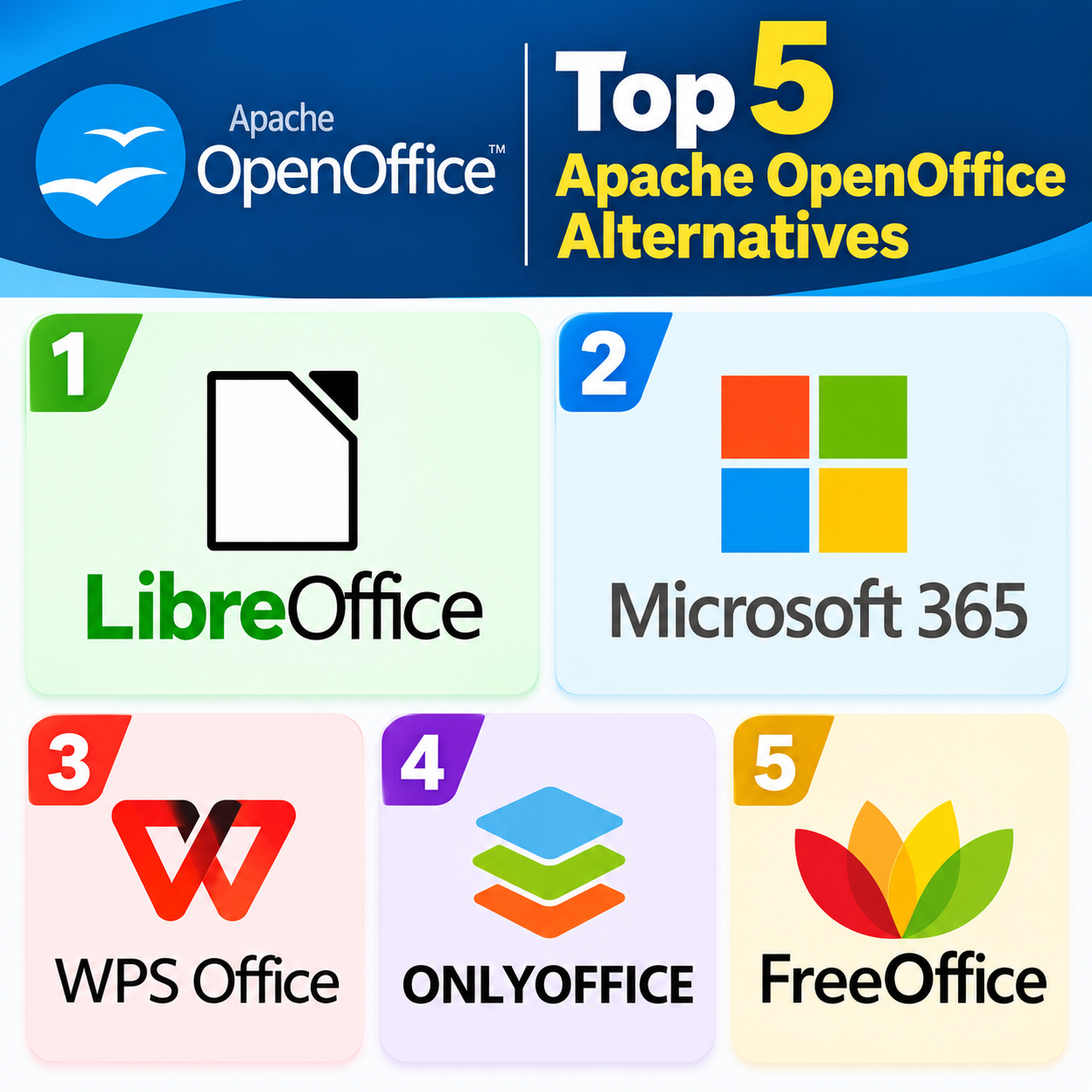
OpenOffice is a free, open-source office suite used for creating documents, spreadsheets, presentations, and more. However, there are several modern alternatives that offer additional features, better compatibility, and improved collaboration tools. Here’s top 5 alternatives..
LibreOffice — The most popular OpenOffice alternative. It is free, open-source, and includes Writer, Calc, Impress, Draw, Base, and Math. It supports a wide range of Microsoft Office formats and receives regular updates.
Microsoft 365 — A comprehensive commercial option with Word, Excel, PowerPoint, Outlook, and cloud collaboration through OneDrive. It offers excellent compatibility with Microsoft Office documents and works across desktop, web, and mobile.
WPS Office — A lightweight office suite with Writer, Spreadsheet, and Presentation applications. Its interface is familiar to Microsoft Office users, and it offers both free and paid versions.
ONLYOFFICE — Particularly useful for collaborative work. It provides strong compatibility with Microsoft Office formats and can be deployed locally or used through cloud-based services.
SoftMaker FreeOffice — A fast, relatively lightweight suite containing TextMaker, PlanMaker, and Presentations. It emphasizes Microsoft Office compatibility and provides a familiar desktop-office experience.
FreeOffice — A fast, relatively lightweight suite containing TextMaker, PlanMaker, and Presentations. It emphasizes Microsoft Office compatibility and provides a familiar desktop-office experience.
Quick comparison: For a free, open-source replacement, LibreOffice is the obvious starting point. For maximum Microsoft compatibility, Microsoft 365 is a strong choice. For collaboration, consider ONLYOFFICE, while WPS Office and FreeOffice are good lightweight alternatives.