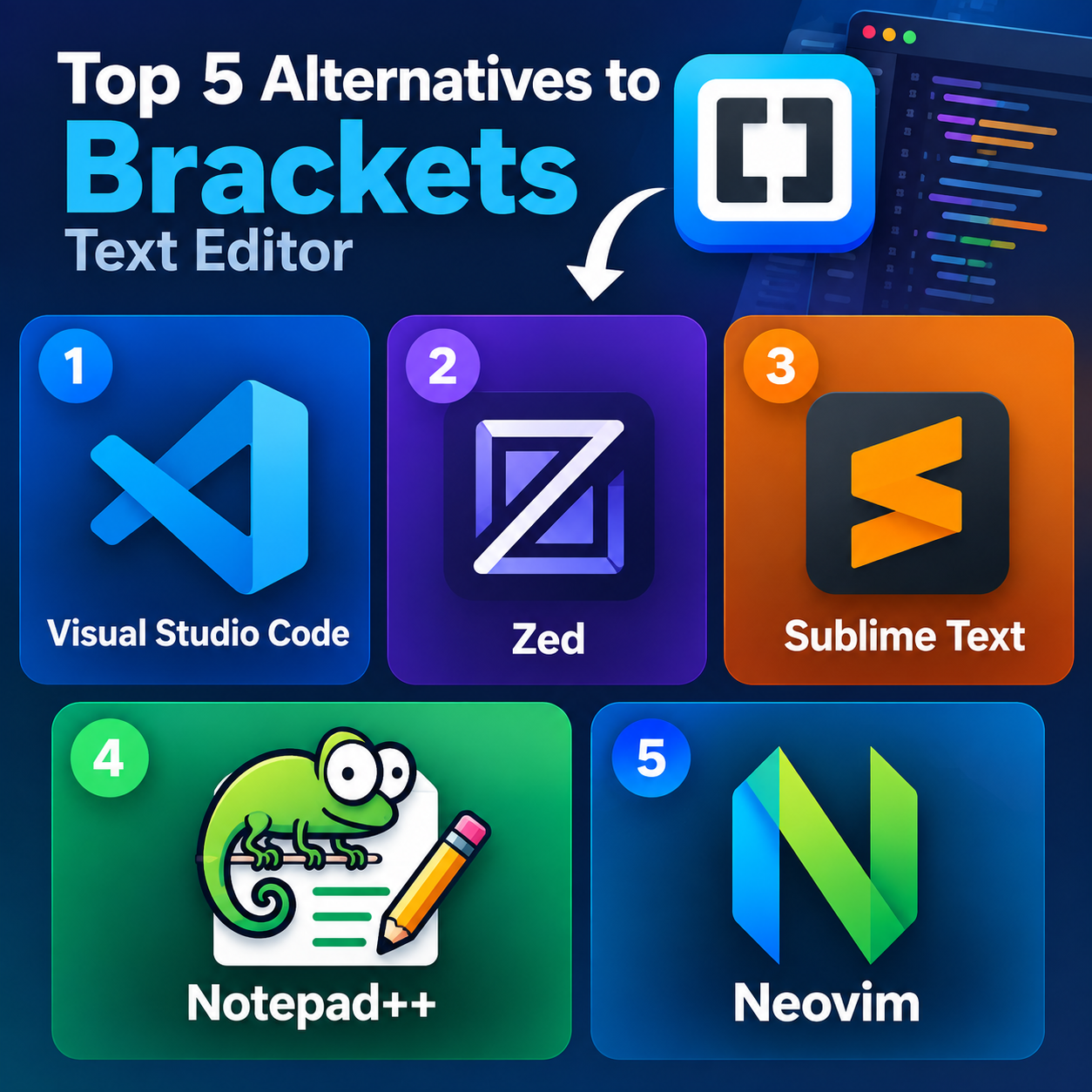
1. Visual Studio Code
The most versatile replacement for Brackets. VS Code is free, cross-platform, highly extensible, and supports Git, debugging, terminals, and thousands of extensions. It’s particularly strong if you’re moving from basic front-end work toward larger projects.
2. Zed
A modern, fast editor built around performance. Zed offers built-in AI assistance, collaboration, Git integration, and a clean interface. It’s worth considering if Brackets’ simplicity appealed to you but you want more modern tooling.
3. Sublime Text
A lightweight, polished alternative known for very fast startup, powerful search, multiple cursors, and minimal UI. It runs on Windows, macOS, and Linux, although continued use requires a license.
4. Notepad++
For Windows users who want something extremely lightweight, Notepad++ is a practical choice. It supports syntax highlighting, plugins, macros, and advanced search while remaining free and open source.
5. Neovim
Best suited to keyboard-focused developers. Neovim is free, open source, highly customizable, and can provide modern IDE-like features through plugins and configurations.
For most Brackets users, VS Code provides the broadest transition path, while Zed and Sublime Text are closer fits if speed and a cleaner interface are priorities.