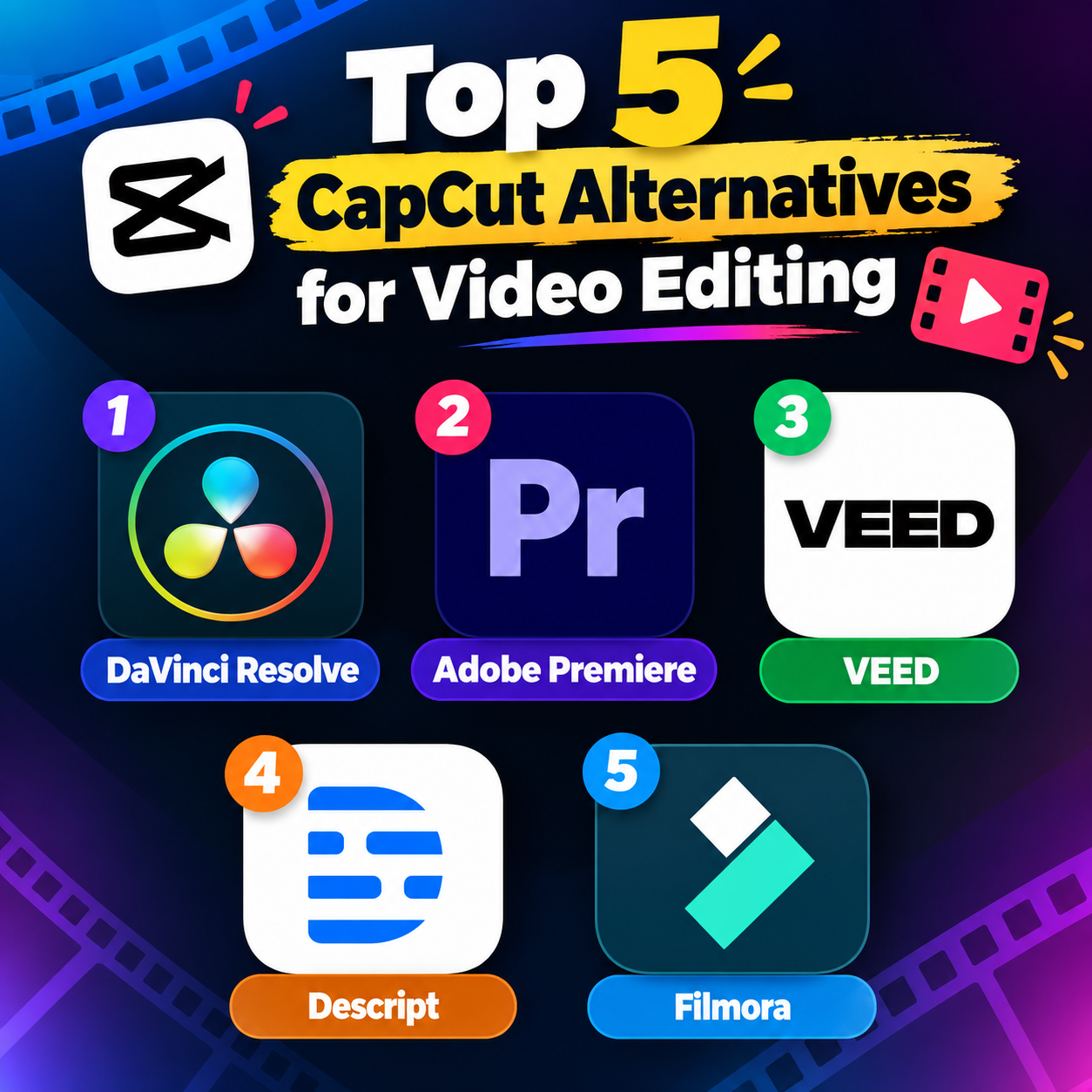
CapCut has become popular because it makes video editing fast and accessible, especially for TikTok, Instagram Reels, and YouTube Shorts. However, creators may want alternatives with stronger desktop editing, different pricing models, better collaboration, or more advanced professional tools. Here are five notable CapCut alternatives to consider in 2026.
1. DaVinci Resolve is one of the most powerful alternatives for creators who want professional-level editing. Its free version includes video editing, colour correction, visual effects, motion graphics, and audio production. Unlike mobile-first editors, Resolve is designed primarily for desktop workflows and can handle complex, long-form projects. Its biggest advantage is depth. You can start with basic cutting and gradually explore advanced color grading, Fusion visual effects, and Fairlight audio tools. The learning curve is considerably steeper than CapCut, but it is an excellent option for creators who want to develop professional editing skills.
2. Adobe Premiere is a strong choice for creators who need advanced editing and a professional workflow. It offers multi-track editing, sophisticated effects, colour tools, audio controls, AI-assisted features, and integration with other Adobe applications. Adobe also provides a dedicated mobile Premiere experience with frame-accurate editing and multi-track timelines. Adobe Premiere is particularly useful for YouTube videos, client projects, documentaries, and other content that requires detailed control. Beginners may find it more complicated than CapCut, but its extensive capabilities make it suitable for projects that go beyond quick social-media edits.
3. VEED is a browser-based video editor aimed at making professional-looking content without requiring complex software installation. It combines timeline editing with tools for subtitles, social-media content, screen recording, and other creator-focused workflows. Because it works in a web browser, VEED can be convenient for creators who work across different computers or collaborate with others. Recent comparisons also highlight it as a strong option for browser-based editing and team workflows.
4. Descript takes a different approach to video editing: instead of relying entirely on a traditional timeline, you can edit spoken video by editing its automatically generated transcript. Delete a sentence from the text, for example, and the corresponding section can be removed from the video. This makes Descript particularly useful for podcasts, interviews, tutorials, webinars, and talking-head videos. It also includes tools for transcription and content repurposing.
Filmora is a user-friendly video editor designed for beginners, content creators, and social-media users. It offers an intuitive timeline, transitions, effects, filters, text animations, audio tools, templates, and AI-powered editing features. Its interface is easier to learn than many professional editors, making it a practical alternative to CapCut.
Conclusion The right CapCut alternative depends largely on your workflow. DaVinci Resolve is suited to advanced desktop editing, Adobe Premiere to professional production, VEED to browser-based creation, Descript to transcript-driven content, and Premiere on Mobile to creators who want a CapCut-like mobile workflow with more precise editing controls.