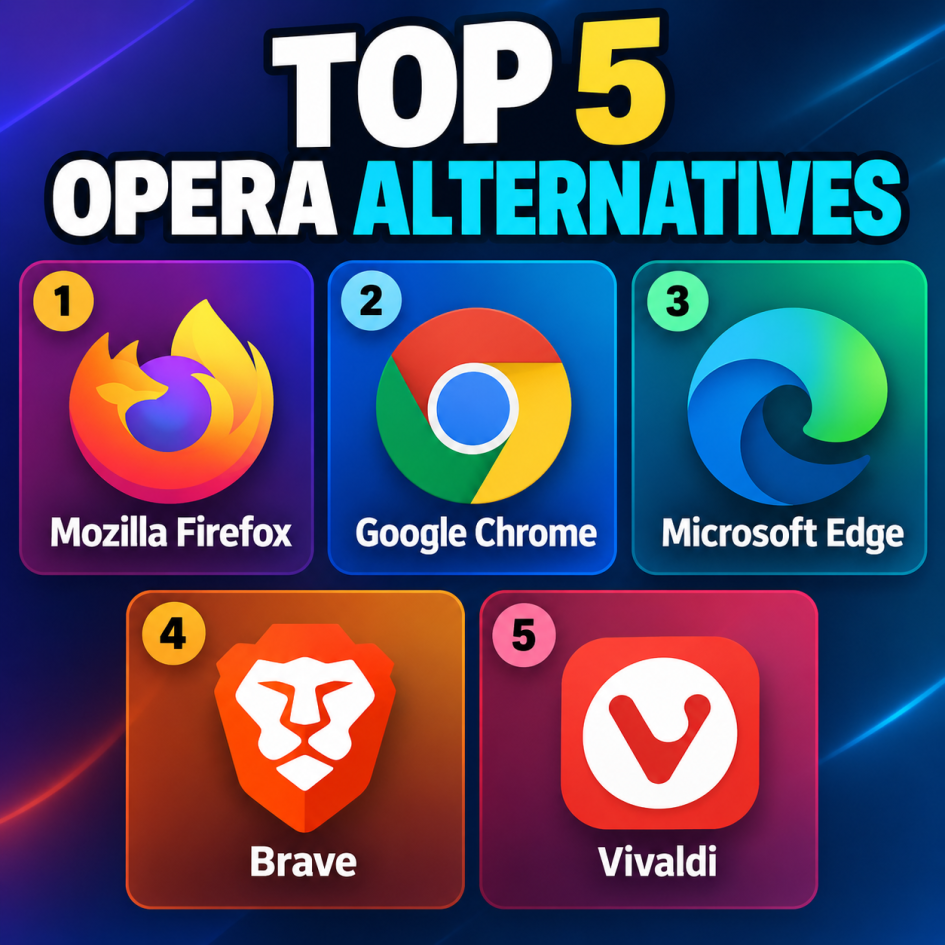
Opera is a popular web browser known for its built-in features, customizable interface, sidebar tools, ad blocking, and support for extensions. However, users may want to explore other browsers because of differences in privacy, performance, customization, or ecosystem integration. Here are five strong Opera alternatives to consider.
1. Mozilla Firefox is one of the most established alternatives to Opera. Unlike most major browsers, Firefox uses Mozilla’s Gecko browser engine rather than Chromium. This gives users another option outside the Google-led browser ecosystem. Firefox includes built-in tracking protection, private browsing, password management, and extensive customization options. Its large extension library allows users to modify everything from productivity features to appearance. Firefox also supports synchronization across devices, allowing users to access bookmarks, browsing history, passwords, and open tabs on multiple platforms.
2. Google Chrome is a straightforward alternative for Opera users who want broad website compatibility and access to a large extension ecosystem. Since both Chrome and Opera are based on Chromium, many websites and browser extensions work similarly across the two browsers. Chrome integrates closely with Google’s services, including Gmail, Google Drive, Google Docs, and Google Translate. Users can synchronize bookmarks, passwords, browsing history, and other information between devices through their Google account. Chrome also receives frequent security and performance updates.
3. Microsoft Edge is another Chromium-based browser with a wide range of built-in functionality. It supports Chrome extensions while offering additional features such as vertical tabs, tab organization, profiles, collections, and built-in productivity tools. Edge is particularly well integrated with Windows and Microsoft services. It can synchronize browsing information across devices and provides features designed for users who work with Microsoft 365 and other Microsoft products. Its interface can also be customized to suit different browsing preferences.
4. Brave focuses heavily on privacy and reducing unwanted advertising and tracking. Its built-in Shields feature can block many advertisements, trackers, cookies, and other website elements without requiring separate extensions. Because Brave is based on Chromium, users can generally install compatible Chrome extensions. The browser also includes private browsing options and additional privacy-oriented features. Its combination of Chromium compatibility and built-in privacy controls makes it a practical alternative for users moving away from Opera.
5. Vivaldi is particularly notable for its extensive customization options. It provides features such as tab stacking, split-screen browsing, workspaces, customizable toolbars, keyboard shortcuts, and numerous interface settings. Like Opera, Vivaldi is Chromium-based and supports many Chrome extensions. Users can adjust the browser’s appearance and functionality extensively, making it suitable for people who prefer having detailed control over their browsing environment.
Overall, Firefox, Chrome, Edge, Brave, and Vivaldi provide five capable alternatives to Opera, with different approaches to privacy, customization, compatibility, and built-in functionality.