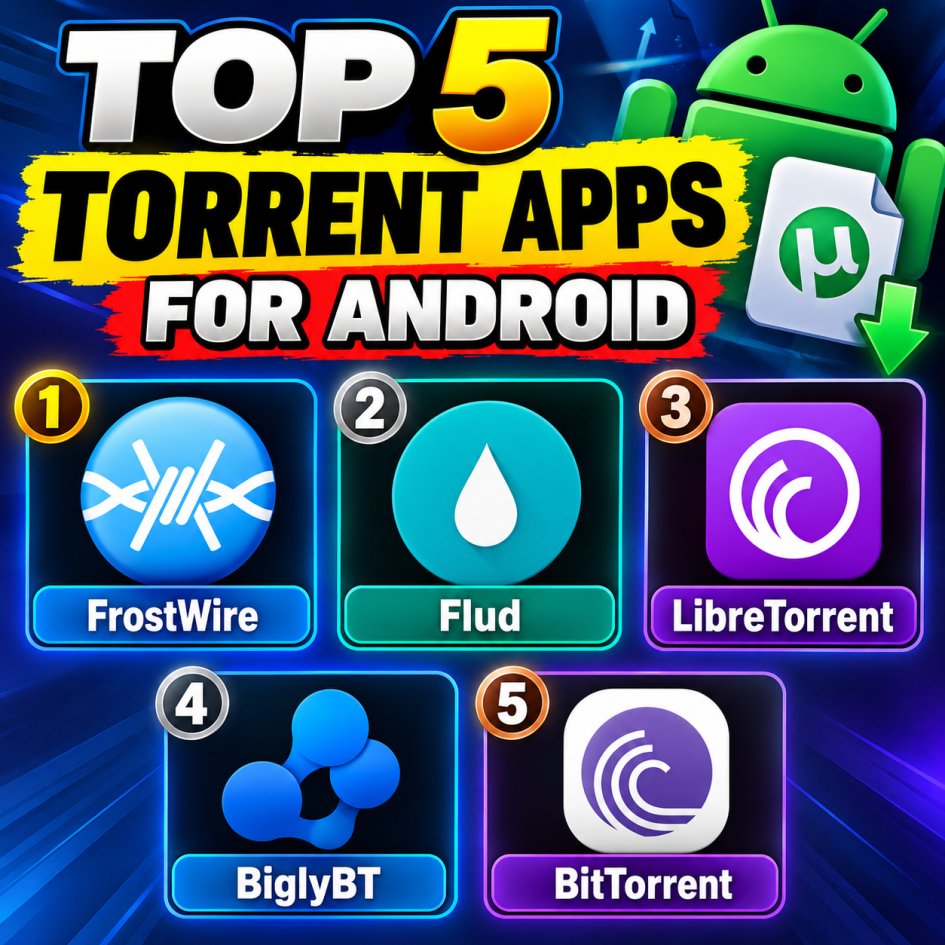
Top 5 Torrent Apps for Android Torrenting on Android has become surprisingly capable, with modern apps supporting magnet links, selective file downloads, scheduling, bandwidth controls, and more. The right client depends largely on the features you want and how much control you prefer. Here are five solid torrent apps for Android, with FrostWire at number one.
1. FrostWire is a well-known Android torrent client that combines BitTorrent downloading with built-in search functionality. Instead of switching between a torrent client and a browser, users can search for downloadable content directly within the application. The app supports magnet links, torrent files, media playback, and file management. Its built-in media player is particularly convenient for checking downloaded audio or video without opening another application. FrostWire also provides options for choosing individual files within a torrent and managing downloads. Its combination of torrent functionality and integrated search makes FrostWire a convenient all-in-one option. Dr.Fone
2. Flud is one of the most feature-rich dedicated torrent clients available for Android. It supports magnet links, selective file downloading, file priorities, sequential downloading, RSS feeds, proxy settings, encryption, and Wi-Fi-only downloading. iTechGuides The interface remains relatively straightforward despite the large number of controls. Users who frequently download torrents can also take advantage of scheduling and detailed network settings. Flud is available in a free version with advertising, while Flud+ provides an ad-free alternative. Current listings show that Flud remains actively maintained, with a 2026 update. Best Apps for Android
3. LibreTorrent is an open-source Android BitTorrent client based on libtorrent4j. It supports magnet links, torrent files, proxy connections for trackers and peers, and numerous configuration options. Google Play One of its biggest attractions is its open-source approach. Its current Google Play listing also states that it collects no data and shares no data with third parties. Google Play LibreTorrent is a particularly interesting choice for Android users who value transparency and customization rather than a heavily commercialized interface.
4. BiglyBT brings many advanced desktop-style torrent controls to Android. It is open source and supports features such as detailed bandwidth limits, scheduling, and Android TV compatibility. The Android version is also designed for larger screens and remote-control use, making it practical on compatible Android TV devices. BiglyBT supports magnet links, torrent files, configurable download locations, and advanced torrent management. GitHub Its extensive settings can take some time to understand, but they give experienced users considerable control over their transfers.
5. BitTorrent’s official Android application offers a simpler approach to torrent downloading. It supports magnet links, selective file downloading, Wi-Fi-only operation, and integrated media features. iTechGuides Its familiar interface makes it easy to get started without dealing with a huge number of advanced settings. It is particularly suitable for users who want straightforward torrent management rather than extensive automation or technical configuration.
Final thoughts
These five apps cover a broad range of Android torrenting preferences. FrostWire combines torrenting with built-in search and media features, Flud provides extensive controls, LibreTorrent emphasizes open-source software, BiglyBT offers advanced management, and BitTorrent keeps things relatively simple.